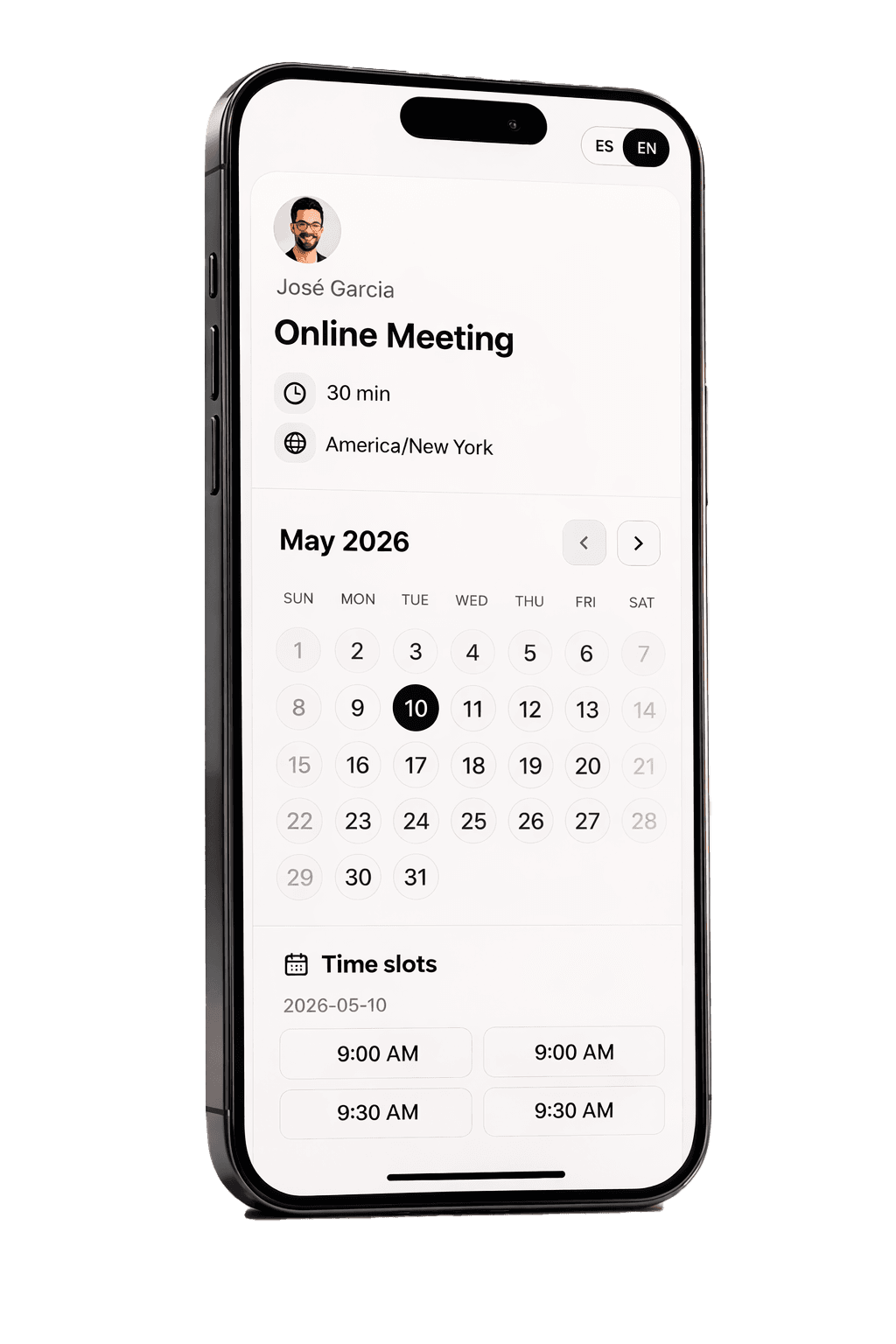
Capture leads, qualify cases, and book only ready clients
Booknivo helps bilingual tax preparers and small tax offices reply on WhatsApp and web, request documents, qualify cases, and book only when the client is truly ready.
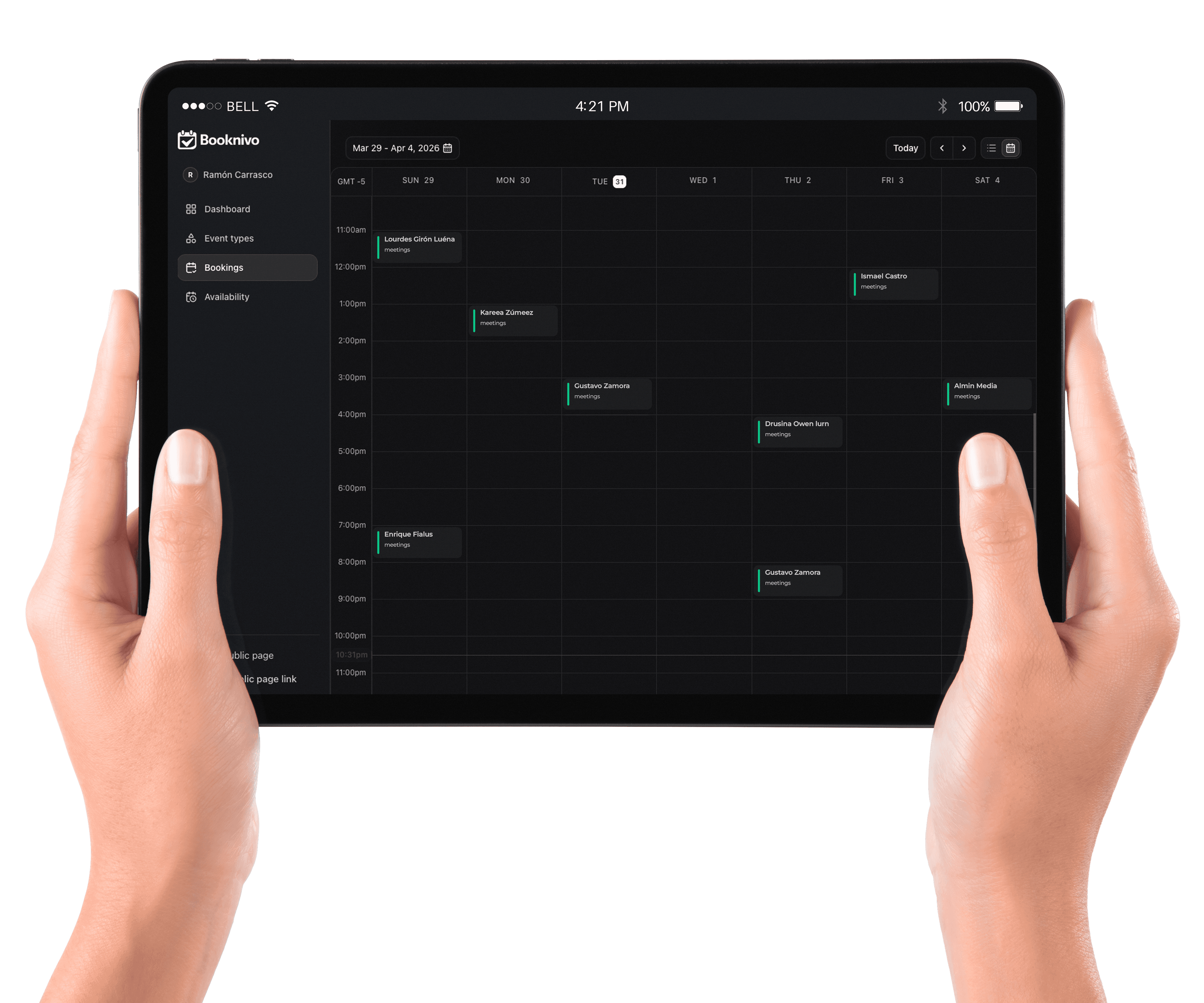
Built for tax offices, not generic schedulers.
Lead capture, qualification, document intake, and booking in one flow.
Case inbox
Keep messages, client context, and case status together in one place.
Smart intake
Ask what matters to know if this is an individual return, self-employed case, prior year issue, ITIN, or business return.
Booking with judgment
Show times only when the case is ready to move forward.
WhatsApp + web
Run the same intake and response logic across both channels.
Document requirements
Detect what is missing before your staff wastes time on incomplete cases.
Bilingual front desk
Serve clients in English and Spanish with more consistency.
From WhatsApp chaos to clear intake, documents, and ready appointments
Your digital front desk filters, guides, and organizes. Your team only handles the right cases.
Start setupA client messages you
On WhatsApp or web chat. The assistant replies instantly so the lead does not cool off.
Qualifies the case
It asks about filing status, dependents, self-employment, prior year, ITIN, or business returns when relevant.
Requests docs and decides next step
If documents are missing or the case needs review, it sends the case to inbox instead of blindly showing calendar slots.
Books only when it makes sense
When the case is ready, it shows availability and confirms the appointment with context attached.
Real businesses. Real results.
Laura Martínez
Independent tax preparer
Every lead used to get buried in WhatsApp. Now I can tell who is ready, who needs documents, and who should wait for review.
Carlos Reyes
Bilingual tax office
Clients arrive much better filtered. The system already asked about filing status, dependents, prior year, and self-employment before they ever touch my calendar.
Ana Rodríguez
Tax office manager
The real win is not just bookings. It is that my team no longer wastes time chasing incomplete leads or repeating the same answers all day.
Start simple and turn on automation when your office needs it
Use the core setup today. Upgrade for WhatsApp, intake, and more serious automation.
Pro
Most popular$16/mo
Pay month to month
Upgrade to Pro- Full AI receptionist
- Smart qualification and questions
- Monthly AI credits included
- Services with price and duration variations
- Everything in Free
Free
$0/mo
Best for getting started and validating your booking flow.
Start with Free- Up to 5 active services
- Public booking page
- Weekly availability
- Booking confirmation emails
Cancel anytime. No refunds. Downgrade is applied at the end of the paid period.
Frequently asked questions
Does this replace my tax preparer?
No. Booknivo works as a digital front desk: it replies, qualifies, requests documents, and books when the case is ready. Your team still handles tax decisions.
Does it work for bilingual tax offices?
Yes. You can serve clients in English and Spanish and keep a consistent tone across WhatsApp and web.
What if documents are missing or the case is complex?
The system can request documents, send the case for review, or capture the lead without showing direct booking.
Do I need to install anything?
No. Set up your office, connect WhatsApp, and manage everything from the browser.
Ready to start?
Next tax season will not be won with more messages. It will be won with better intake.
Launch your digital tax front desk and stop chasing messy leads across WhatsApp.